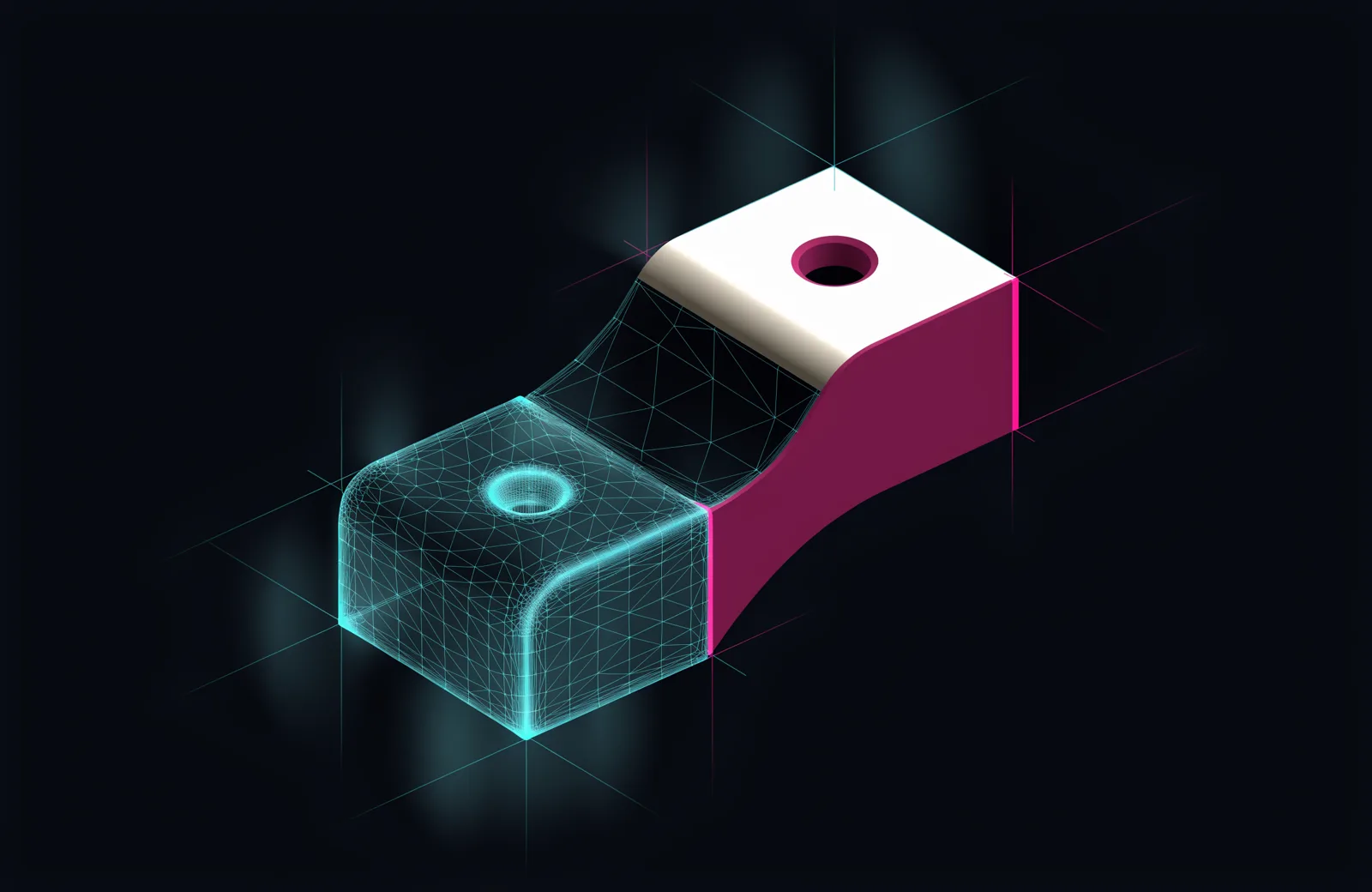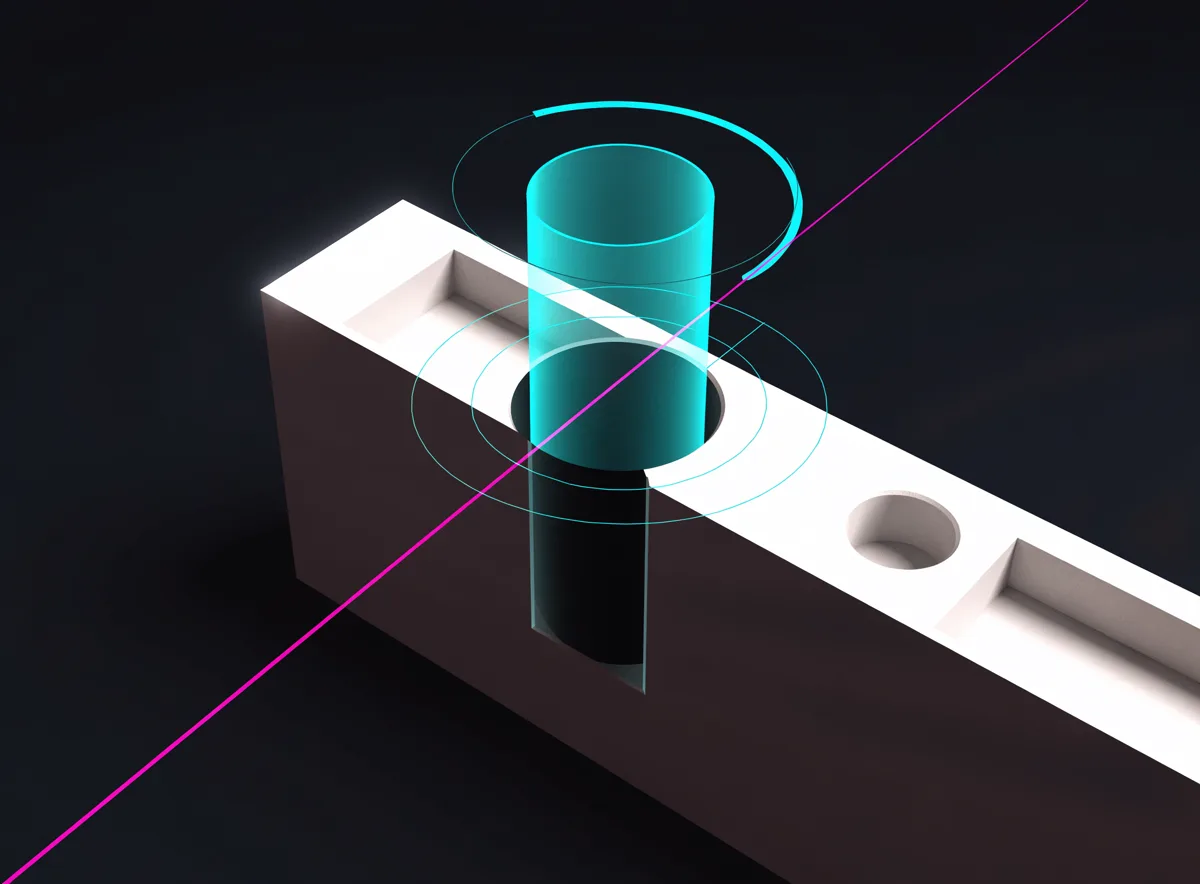
Measured, not guessed
Your connected assistant uses scan measurements to guide the build. Verification compares the saved model with the scan and reports declared checks, sampling limits and missing measurements.


Turn a 3D scan into a measured, editable feature tree in Fusion.
Choose a plan, then sign in with your checkout email to download MeshWright for Windows. Already a customer? Sign in.
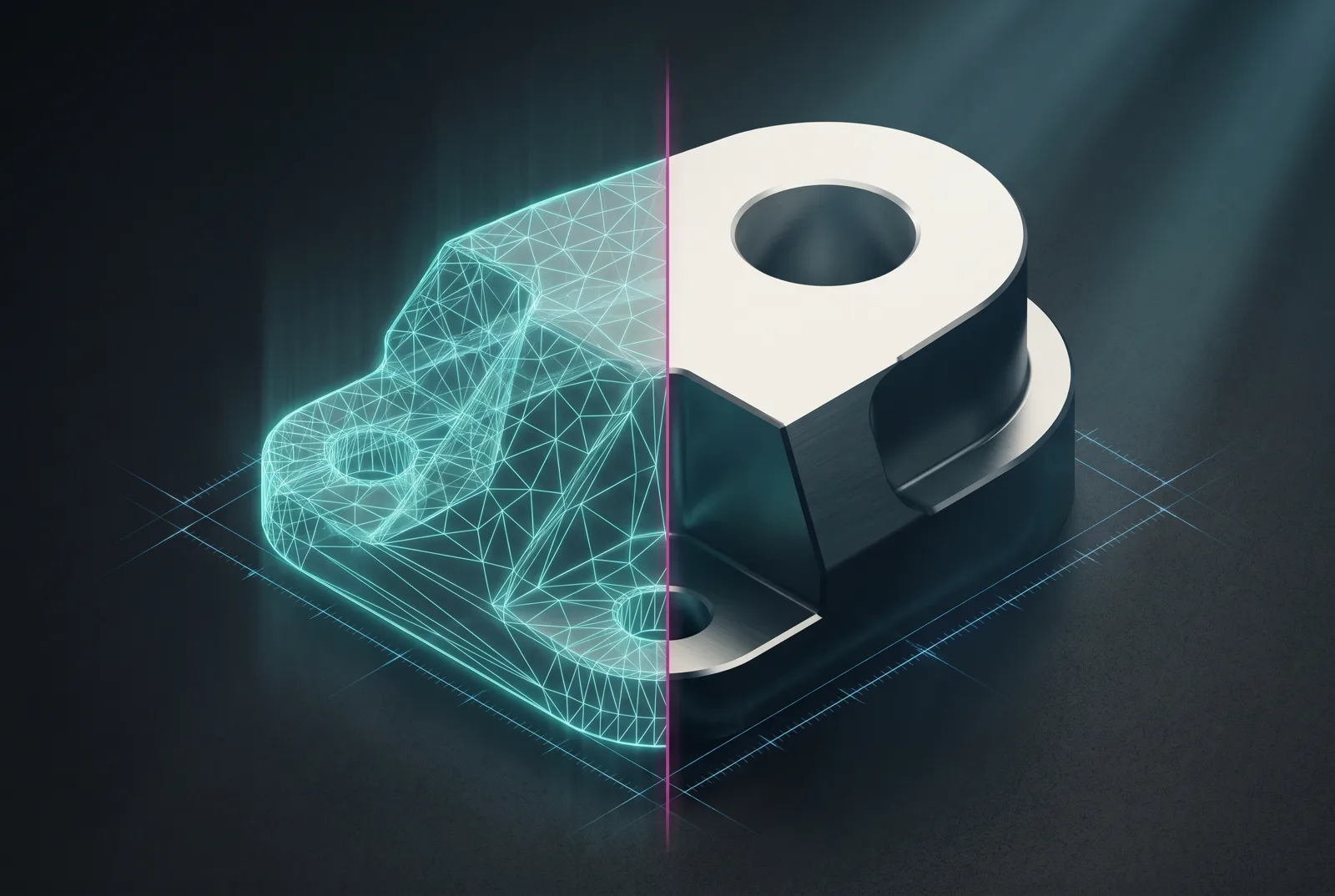
Detected holes, bosses and flats are fitted from the mesh. Inspect the measured errors and the rebuilt features before using a part for manufacturing.
Your connected assistant uses scan measurements to guide the build. Verification compares the saved model with the scan and reports declared checks, sampling limits and missing measurements.
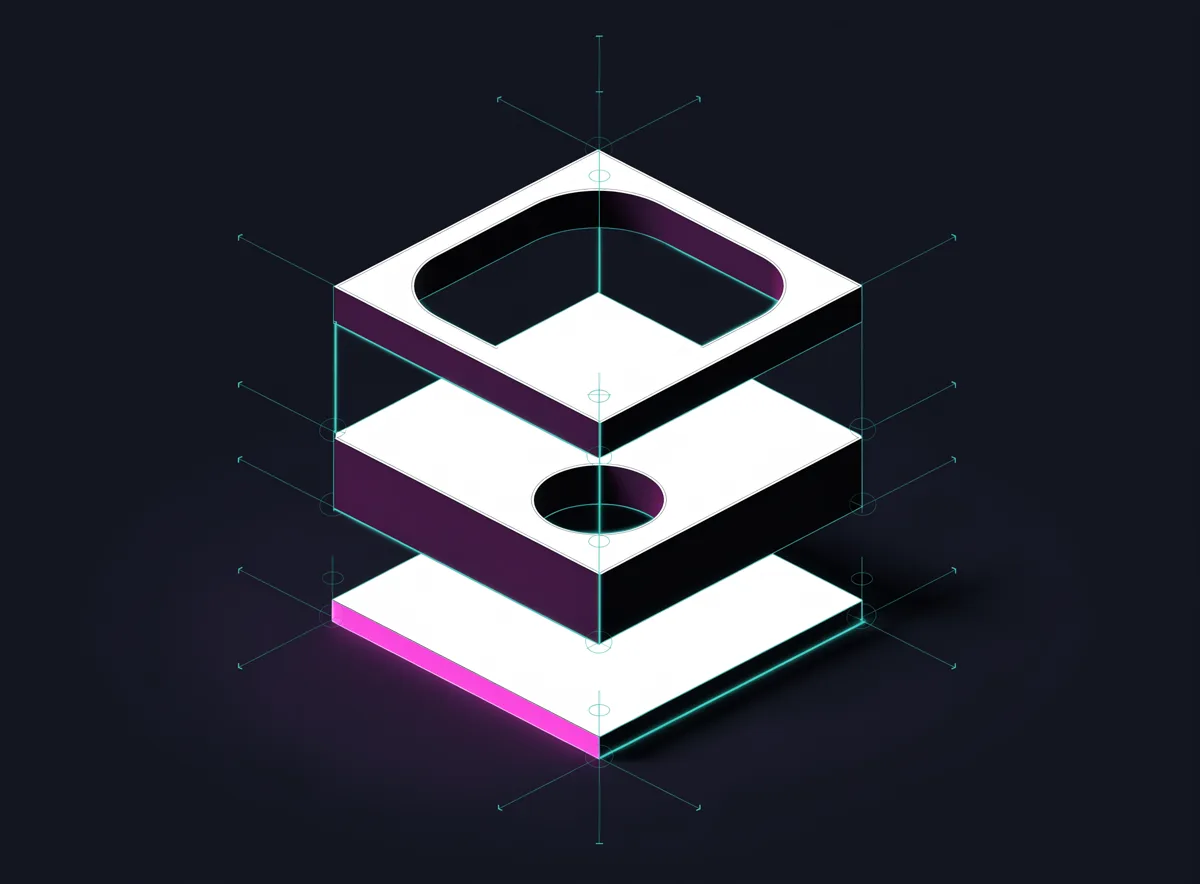
Your assistant builds native features in Fusion, with parameters such as extrude distances, hole diameters and fillet radii. Inspect the feature tree and verification results before accepting the model.
Fusion and the job store run on your machine. Your connected AI app uses your account and its own data terms. Review that app's permissions and provider settings to understand which project data it can access or transmit.
Add a scan and prepare a saved job. Your connected AI assistant builds and checks the model in Fusion. MeshWright keeps your jobs and reusable lessons on your machine.
Add an STL, OBJ, PLY or 3MF. Confirm its units and review scan-quality warnings before preparing a job.
Create a saved job and continue in your connected AI app. The assistant checks Fusion, inspects the scan and measures the geometry before building.
Your assistant builds native features in the job's dedicated Fusion document. Answer questions about dimensions and design choices, and continue the same saved job when corrections are needed.
Verification saves and reopens F3D and STEP files, checks native feature health and compares the model with the scan. Review failed checks, missing measurements and sampling limits before accepting the result.
Connect your app in Harnesses. Claude Code and Codex have built-in launch adapters; other apps need a compatible local adapter. Each row shows availability.
These settings support lesson extraction. Your connected AI app handles reconstruction using its own account and settings. Review each provider's charges and data terms.
This RC steering-knuckle experiment compares a fitted reference body against the original mesh. The scan render and deviation map below are saved outputs from that run.
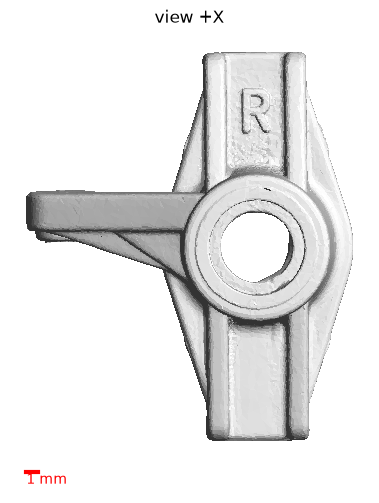
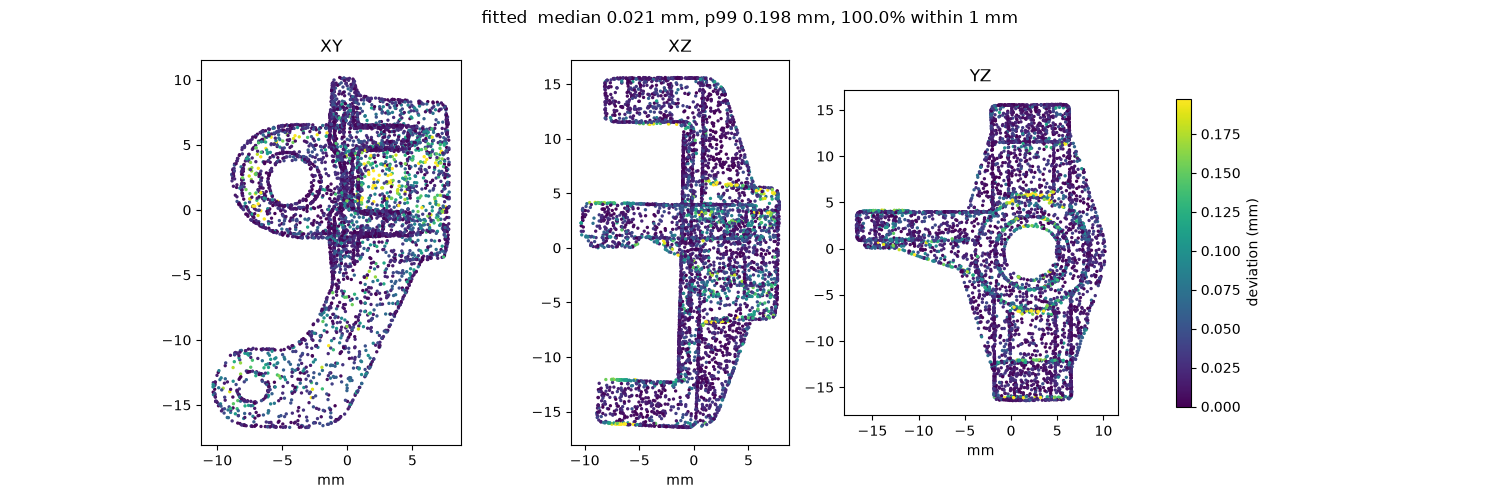
This is a reference reconstruction, not the editable Fusion feature tree. It matched 5 of 12 detected reference cylinders; some cross-axis bores remain represented by slabs rather than hole features.
These results describe one recorded experiment, not a guaranteed manufacturing tolerance. The score used 20,000 samples; the saved record predates newer scoring-provenance fields.
Download the recorded measurements| Measurement | Result |
|---|---|
| Volume overlap (IoU) | 95.5% |
| Median surface deviation, heatmap | 0.021 mm |
| 99th-percentile surface deviation | 0.198 mm |
| Detected reference cylinders matched | 5 / 12 |
You bring your own AI provider key, so your model cost is yours and your data terms are simple.
Monthly Seat and Pro plans start with a 7-day free trial for new customers: up to 5 distinct scan-based model recreations, with retries of the same source included. Card required. Cancel before the trial ends to avoid charges; otherwise your monthly subscription begins automatically. Annual plans charge today. Prices are USD; AI provider usage is billed separately.
Setup, costs and what to expect from a rebuild.
Ask us about your partA Windows 10 or 11 PC, 64-bit, an active MeshWright licence, and a connected AI app. The supported reconstruction workflow requires Autodesk Fusion installed and running with the MeshWright add-in. An internet connection to the MeshWright licence service is required for protected operations, including starting work and opening NeuroVault; saved job files remain on your machine.
Bring an STL, OBJ, PLY or 3MF. MeshWright reads the mesh and checks its quality before reconstruction. Confirm the scan’s units so the rebuilt part has the intended dimensions.
Your MeshWright licence and your AI usage are separate. Use your own account in your connected AI app; its subscription or usage charges depend on that app and provider. Internal lesson-model settings are separate from reconstruction.
MeshWright keeps the job store on your disk. Your connected AI app may transmit project data according to its permissions, settings and provider terms. Review those controls before using private parts. Licence checks contact MeshWright; optional reporting has separate controls.
The assistant builds native Fusion features with editable parameters. Review the feature tree, measured errors and any missing checks before using the part. Verification also saves a STEP file for other CAD workflows.
The initial scan-quality check and the comparison against the scan help you judge the result. Some parts need a cleaner scan or manual corrections; reconstruction is not a guarantee of manufacturing accuracy. If you are unsure about a part, contact us about running it during early access.
What we are learning about measuring meshes, where AI helps and where it guesses.
Choose a monthly or annual plan and start with your own AI provider.
Choose your plan